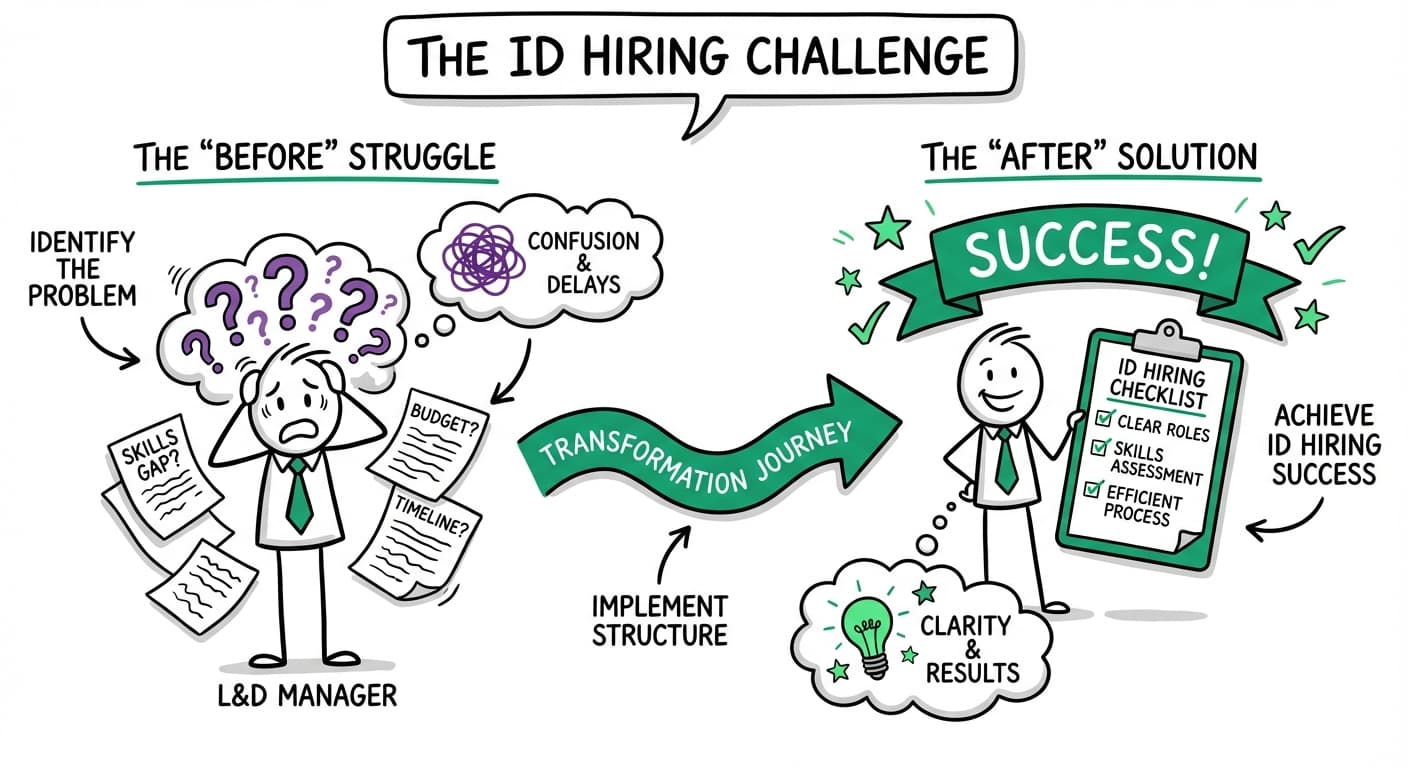
The demand for skilled instructional designers has surged by 13% annually since 2020, driven by the rapid shift to digital learning and remote work environments. Yet many L&D professionals struggle to identify, evaluate, and hire the right instructional design talent.
Whether you're building an internal L&D team or seeking external expertise for a specific project, this comprehensive guide will walk you through every aspect of hiring instructional designers—from understanding their role to managing successful partnerships.
Understanding the Instructional Designer Role
What Instructional Designers Actually Do
Instructional designers are learning architects who bridge the gap between subject matter expertise and effective knowledge transfer. Their core responsibilities include:
- Learning needs analysis: Identifying skill gaps and defining learning objectives
- Curriculum development: Creating structured learning pathways and content frameworks
- Content creation: Developing engaging multimedia learning materials
- Assessment design: Building evaluation tools to measure learning effectiveness
- Technology integration: Leveraging LMS and authoring tools
- Performance measurement: Analyzing outcomes and optimizing programs
Types of Instructional Designers
Corporate ID
Employee training, compliance, professional development. 3-7 years experience.
E-learning Specialist
Digital platforms, interactive content. Proficient in Storyline, Captivate.
Academic ID
Educational institutions, formal curriculum. Often holds advanced degrees.
Freelance ID
Project-based, diverse experience. Requires more management oversight.
Defining Your Instructional Design Needs
Project Scope Assessment
Before beginning your search, clearly define:
Project Type
- • New employee onboarding
- • Compliance training
- • Skills development
- • Leadership programs
- • Technical training
Delivery Format
- • Self-paced e-learning
- • Instructor-led materials
- • Blended learning
- • Mobile learning
- • VR/simulation-based
Budget Range
- • Simple module: $5-15K
- • Full program: $25-75K
- • Enterprise: $100K+
- • Timeline flexibility
- • Internal support
Technical Requirements
| Authoring Tools | LMS Platforms | Design Software |
|---|---|---|
| Articulate Storyline | Cornerstone OnDemand | Adobe Creative Suite |
| Adobe Captivate | Workday Learning | Canva Pro |
| Rise 360 | SAP SuccessFactors | Figma |
Where to Find Instructional Designers
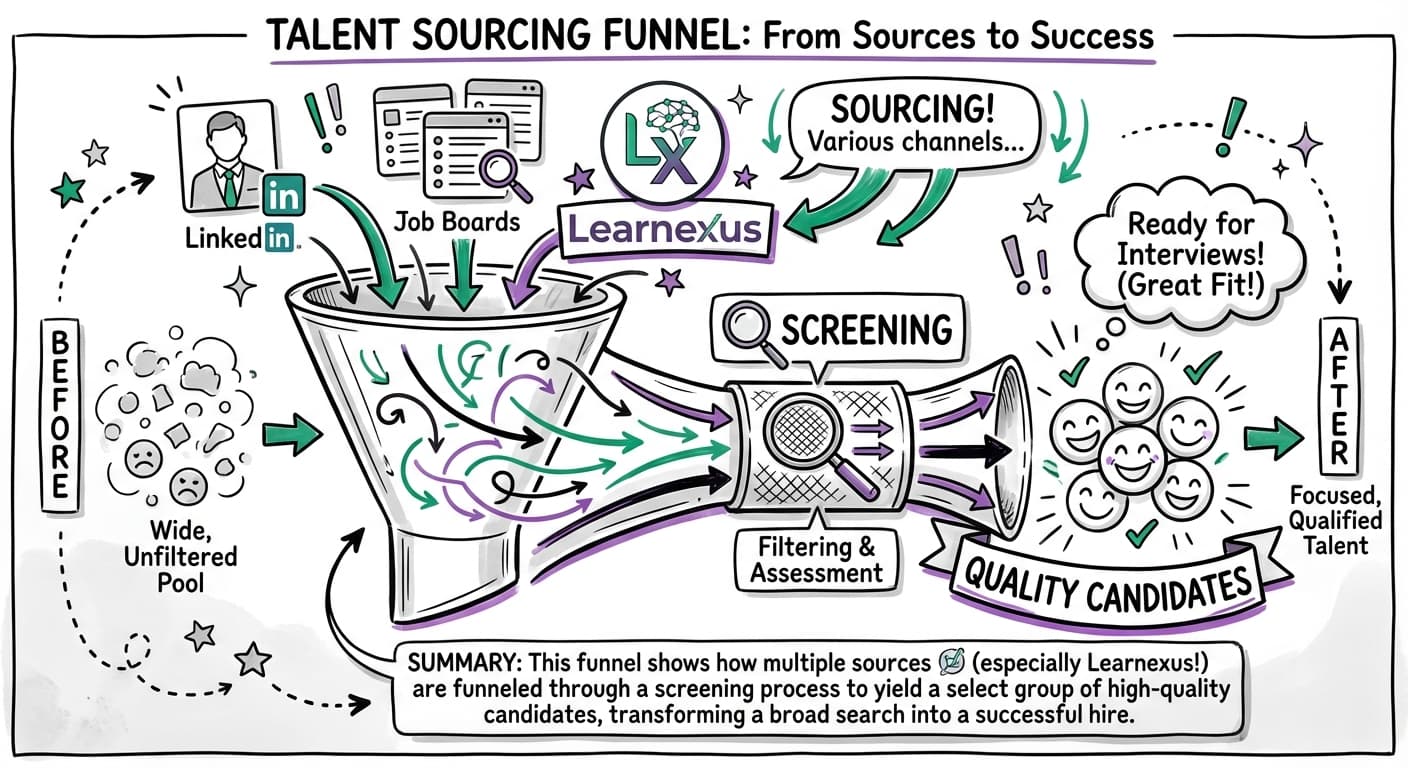
Traditional Channels
- Job Boards: LinkedIn, Indeed, Glassdoor
- Networks: ATD (40K+ members), eLearning Guild (28K+)
- Agencies: 15-25% placement fees, longer search
Specialized Platforms
- General: Upwork, Fiverr (quality varies)
- Premium: Toptal (top 3%, premium pricing)
- L&D-Focused: Learnexus (pre-vetted, faster matches)
Evaluating Instructional Designer Candidates
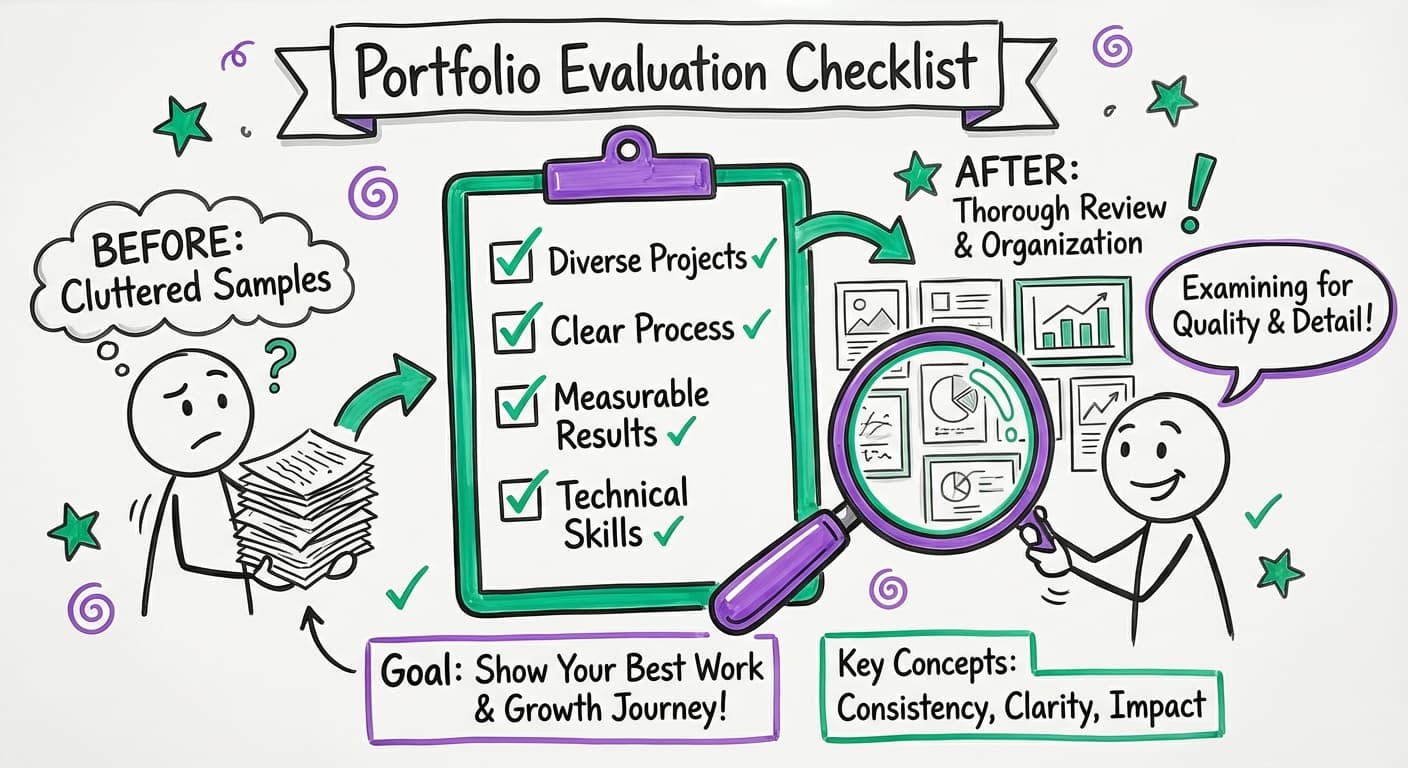
Portfolio Assessment Framework
- Learning Objectives Alignment:Clear SMART objectives connected to business needs
- Design Process Documentation:Evidence of needs analysis, storyboards, iterations
- Diverse Project Types:Range of industries and complexity levels
- Measurable Outcomes:Data on completion rates and business impact
- Technical Proficiency:Various authoring tools, responsive design
Key Interview Questions
Freelance vs. Full-Time vs. Agencies
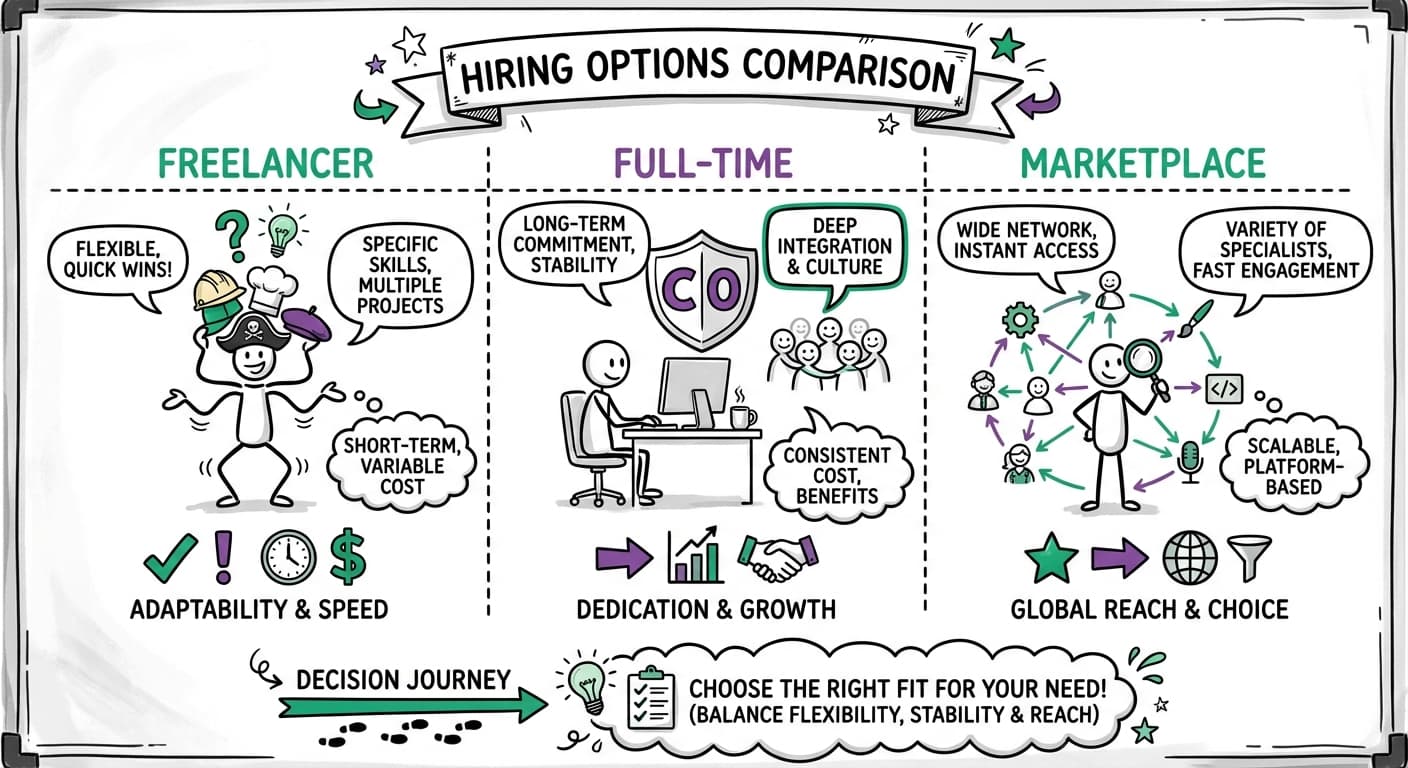
| Factor | Freelance | Full-Time | Agency | Marketplace |
|---|---|---|---|---|
| Cost | $50-150/hr | $65-120K/yr | $100-200/hr | $60-140/hr |
| Flexibility | High | Low | Medium | High |
| Expertise Depth | Variable | Grows over time | High | Pre-vetted high |
| Project Management | Self-managed | Internal | Agency-managed | Platform-supported |
| Quality Assurance | Self-reported | Internal oversight | Agency standards | Platform verification |
Budget Planning and Cost Considerations
Hidden Costs to Consider
- • Revision cycles: Budget 15-25% additional
- • Technology licensing: $1,000-$4,000/year per license
- • SME time: 20-40 hours for complex projects
- • QA testing: Adds 10-15% to timeline and cost
The Hiring Process Step-by-Step
Phase 1: Preparation
1-2 weeksPhase 2: Sourcing
1-3 weeksPhase 3: Evaluation
2-3 weeksPhase 4: Selection
1-2 weeksRed Flags to Avoid
Portfolio Warning Signs
- • Generic templates with slight variations
- • No process documentation
- • Outdated technology or non-responsive designs
- • Missing learning outcomes or metrics
Interview Red Flags
- • Can't explain design decisions
- • Overemphasis on tools vs. learning principles
- • Unrealistic timeline promises
- • Poor communication skills
Managing Successful Partnerships
Setting Expectations
- • Define communication protocols
- • Require detailed project plans
- • Establish review processes
- • Specify quality standards
Best Practices
- • Weekly status check-ins
- • Centralized feedback in one tool
- • Clear version control
- • Single point of contact for designer